Share

If you want to edit your vhost file in Windows 8 without any permission problem, then follow these step:
1. Click search from the right corner menu.
2. Type notepad
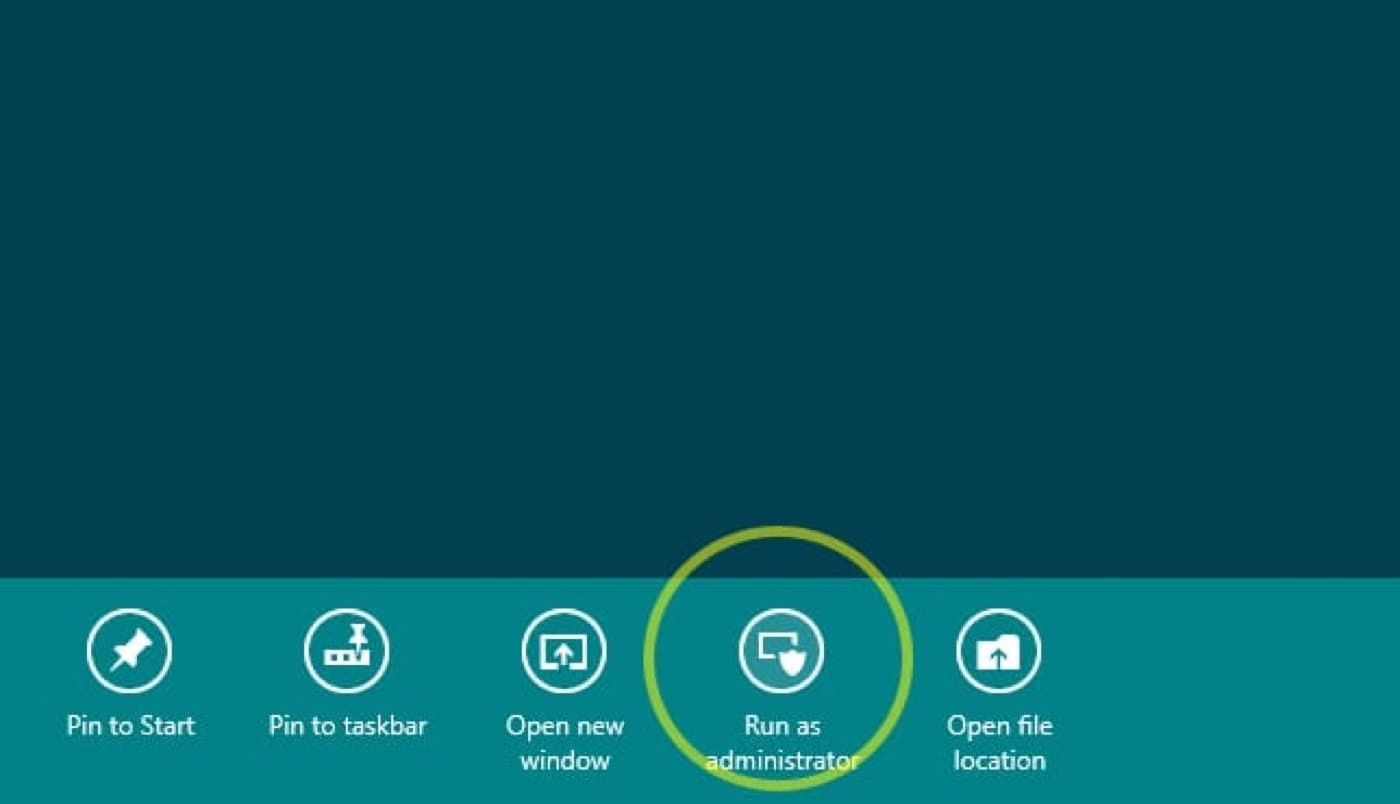
3. right-click Notepad Icon and select the option “Run as Administrator”
4. Go to File > open
c:\windows\system32\drivers\etc\host
5. Type the info you want and click save
127.0.0.1 localhost

[IP address] [Website name here]
That is all! you host file is saved