Share
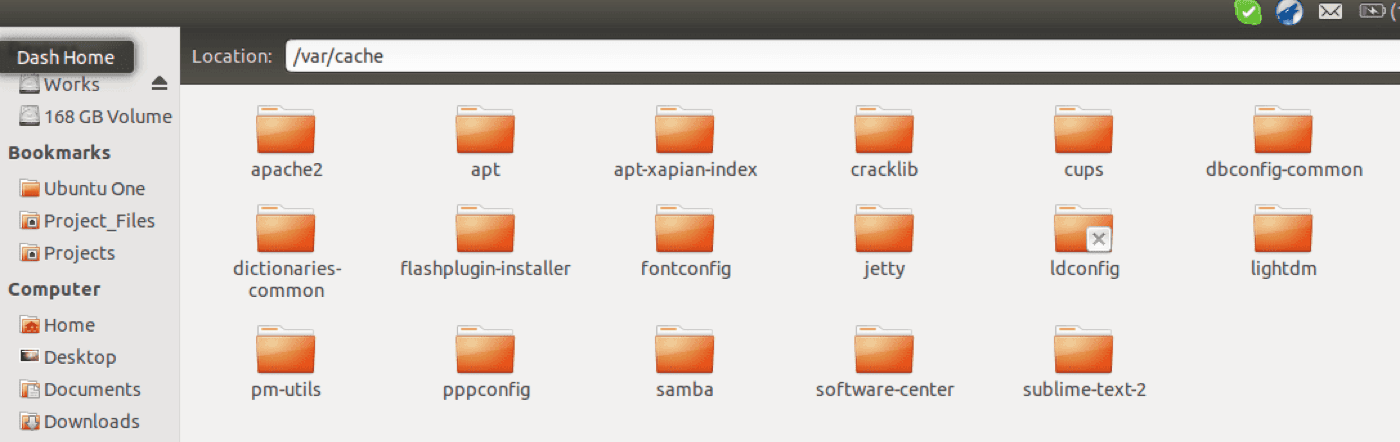
If you using Ubuntu then you would have noticed address bar is missing in the explorer.
This can be enabled temporarily and permanently.
Temporarily:
Just press “control + L” to see the address for the current explorer.
Permanently:
To enable this Permanently then you have to do two things.
1. Make sure dconf editor is installed
2. Open dconf and go to
[box] org > gnome > nautilus > preferences [/box]
Select the option “Always use the location entry”. Now you will be able to see the address bar in explorer permanently.